
How do I log in to OmniWatch?
Having trouble logging in to your identity protection dashboard? Follow these steps to easily access your OmniWatch account.

Having trouble logging in to your identity protection dashboard? Follow these steps to easily access your OmniWatch account.
Logging in to your account
- Go to www.omniwatch.com.
- Find and click Sign In on the top right corner of the page.

3. Enter the email address you used to register and select Send Code.

4. Enter the verification code sent to your email and select Submit Code.
- Note that the code will expire after 10 minutes, in which case you will need to request a new code by starting over at Step 1 of this process.
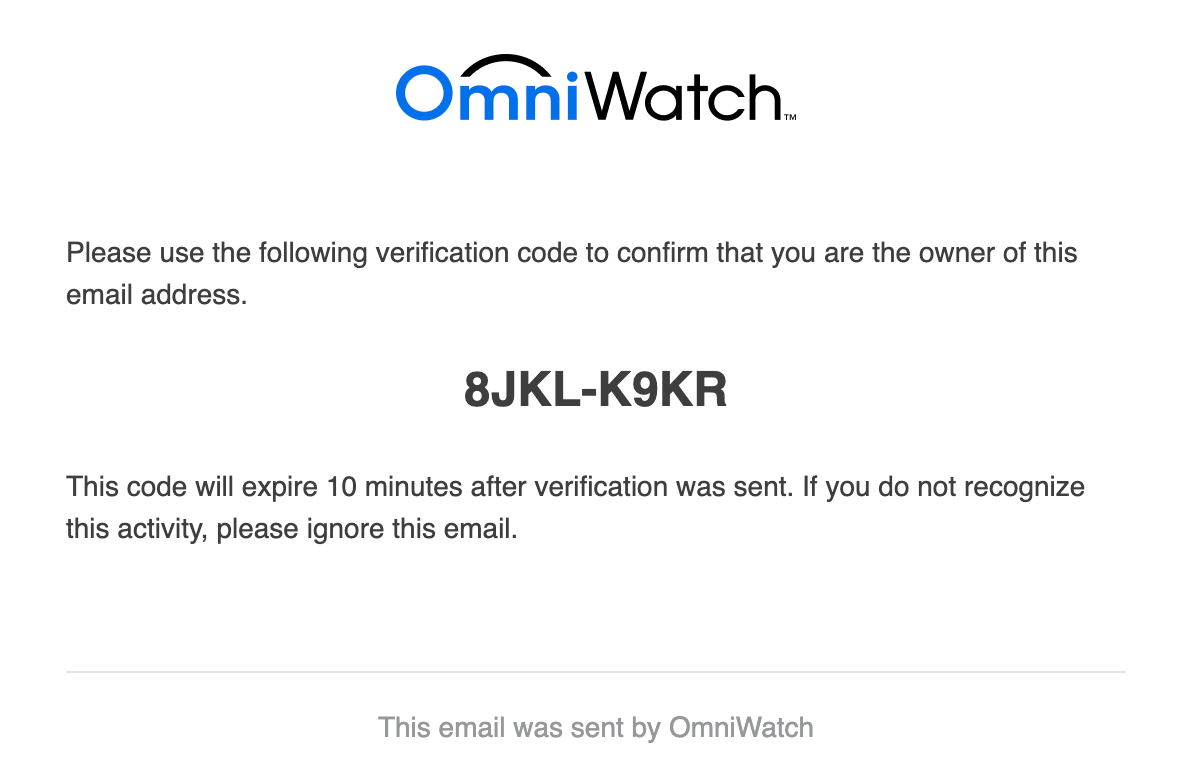

5. You should be able to access your account after completing the above steps. To verify you are logged in, look for Account in the top right corner of the page.

Not sure what email address you used?
Login to your most common email inbox and search for “OmniWatch” or [email protected]. You should have a welcome email from us, and at least one verification code email from your initial login.
Not receiving the verification email?
If you aren’t receiving a verification email, try the following:
- Verify you are logging in with the correct email address by following the instructions above
- Check your junk, spam, promotions, social, or other relevant folders/inboxes, as no-reply emails may not be routed to your primary inbox
- Add [email protected] to your contact list
Still having trouble?
If you need additional assistance, call our customer support line at 877-892-8249 between 7am - 4pm PT or email us at [email protected].
What Cybersecurity Professionals are Saying

Chester Wisniewski
Principal Research Scientist at Sophos
“Looking forward into 2023 has me very concerned with what developments we see with the malicious use of machine learning technologies”
Matt Kapko
Cybersecurity Reporter
"Threat actors don’t just follow the news — they react to it and identify new ways to target potential victims during moments of heightened sensitivity."
Chester Wisniewski
Principal Research Scientist at Sophos
"ChatGPT3 could easily be weaponized to help criminals write more convincing phishing and business email compromise scams."