
 Call us at (877) 892-8249

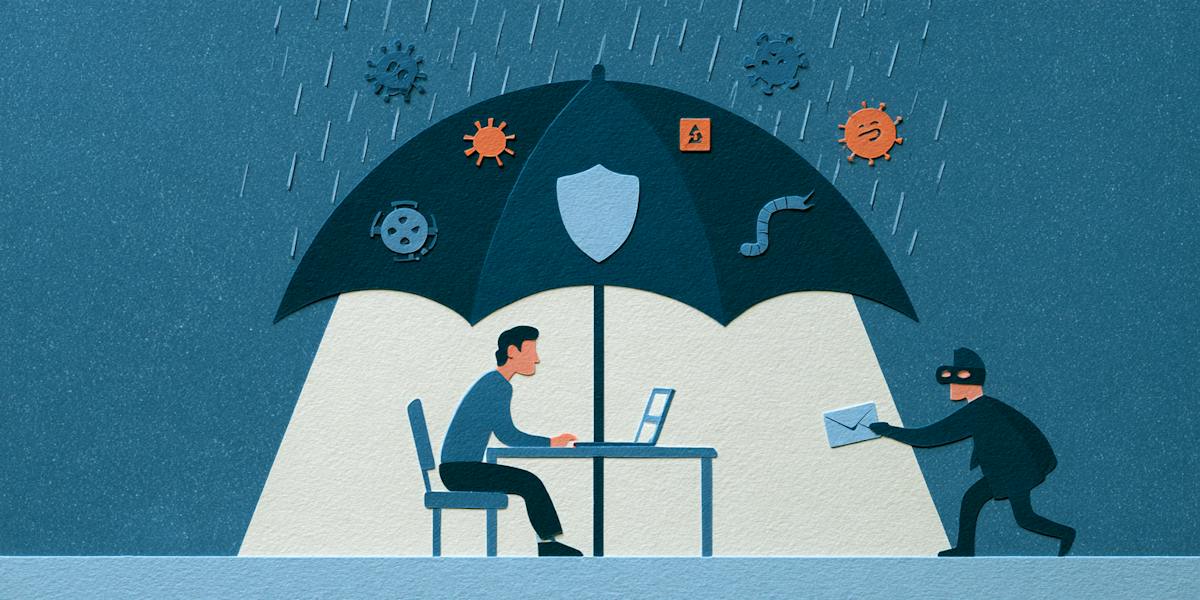
Ask around about antivirus software and you’ll usually hear one of two answers. Companies that sell it will tell you everyone needs it, no exceptions. Skeptics will tell you it’s a waste of money now that computers come with built-in protection.
The truth sits somewhere in between.
Antivirus is good at certain jobs and not built for others, and knowing the difference makes it much easier to decide what you need. The sections below explain what it catches, where it falls short, what your device already does on its own, and the other habits that fill in the gaps. Since it’s designed to fight malware, it’s one piece of the bigger picture of everyday online safety.
Key takeaways
- Antivirus software catches many known viruses, trojans, and harmful downloads, but it can’t catch everything.
- It won’t protect you from phishing, fake login pages, or scams that rely on you sharing information or sending money.
- The security features built into Windows, macOS, and your phone already do a lot, especially when you keep your devices updated.
- How much you need antivirus depends on your devices and habits, like where you download apps and files.
- Security apps work differently on iPhones, so updates and careful clicking matter most there.
- Strong passwords, two-factor authentication, and backups protect you in ways antivirus can’t.
Do you need antivirus software?
For most people using a computer or an Android phone, some security software is a smart layer to have. The FTC¹ recommends getting security software if your device doesn’t already have it, and suggests looking for recommendations from independent review sites.
How much you rely on it depends on your devices and how you use them. Someone who downloads files from unfamiliar sites, shares files often, or uses older devices has more reason to run it than someone who keeps everything updated and only installs apps from official stores. Either way, it works best as one layer of protection, not the only one.
What does antivirus catch?
Antivirus tools typically look for known malware by its signature or behavior, scan downloads and files, and warn you about harmful websites. That makes them good at:
Known viruses and trojans hiding in files you download or open
Suspicious behavior, like a program suddenly trying to encrypt a large number of files
Harmful downloads before they have a chance to run
Existing infections, since many tools can also help you remove malware that’s already on your device
What antivirus misses
Antivirus is useful, but it has real limits, and it helps to know where they are.
Brand-new threats. Malware that’s never been seen before may slip through until it’s identified and flagged.
Phishing and fake login pages. If you type your password into a convincing fake site, antivirus may not step in.
Scams that rely on you. If someone talks you into sending money or reading off a verification code, software can’t stop you.
Weak or reused passwords. A stolen password works the same way with or without antivirus installed.
Risky downloads you choose to install. Software from unfamiliar sites can still cause problems, even with protection running.
That’s why everyday malware prevention habits matter just as much as the software itself.
Does your operating system already protect you?
To a point, yes. Modern versions of Windows and macOS come with built-in security features, and phone operating systems limit what apps are allowed to do. Those protections make a real difference, especially when you keep your devices updated. They’re a strong starting point, but they weren’t designed to protect you from scams or weak passwords.
What about iPhones?
iPhones work differently, since the system tightly limits what apps can access, and that includes security apps. OmniWatch’s antivirus doesn’t cover iOS. On an iPhone, the basics do most of the work. Install updates when they’re available, download apps only from the official App Store, use a strong passcode, and think twice before tapping links in messages.
What does OmniWatch's antivirus include?
OmniWatch includes antivirus on every plan for Windows, Mac, and Android devices, though not for iOS. The Standard plan covers 1 device, and the Elite and Family plans cover 3. Like any antivirus, it’s one layer of protection and can’t promise that nothing will ever get through.
Add another layer to your protection
Antivirus is one piece of the picture. See how OmniWatch VPN and security features help protect your devices and your connection.
Explore VPN and security protectionWhat else you need besides antivirus
The strongest protection comes from layering a few habits on top of your security software.
Keep everything updated, including your operating system, browser, and apps.
Use a unique password for every account, with a password manager to keep track of them, and make each one a strong password.
Turn on two-factor authentication, starting with your email and financial accounts.
Download only from official sources, and think twice before clicking links or opening attachments.
Back up the files you can’t replace, so one bad download doesn’t cost you everything.
Be careful on networks you don’t control, since public Wi-Fi isn’t always secure.
Learn the warning signs, like the signs your phone is hacked and how to spot fake virus pop-ups.
If you ever run into a scam, report it to the FTC so investigators can track how it’s spreading.
Check a suspicious link with OmniWatch

Antivirus is built to spot harmful files, but it isn’t designed to tell you if a text from your “bank” is real or if a link leads to a fake login page. That’s the gap scams slip through. OmniWatch members with scam protection can run a suspicious text, email, or link through the AI Scam Checker and see it labeled as likely safe, unverified, likely spam, or a scam. It works best alongside antivirus, not in place of it.
Frequently asked questions
Do I need antivirus on my computer?
For most people, some security software is a sensible layer, and the FTC advises getting it if you don't have any. Built-in protections help, but they don't cover everything. Combine software with updates, unique passwords, two-factor authentication, and careful downloads for the strongest defense.
Is antivirus enough to keep me safe?
No. Antivirus catches many known threats but can miss new ones, and it doesn't stop phishing, fake login pages, or scams that persuade you to hand over information. Treat it as one layer alongside updates, strong passwords, two-factor authentication, backups, and careful habits.
Do iPhones need antivirus?
Security apps work differently on iPhones because of how the system restricts apps, and OmniWatch's antivirus does not cover iOS. Focus on the basics: install updates, use the official app store, set a strong passcode, and be cautious with links, messages, and unfamiliar profiles.
Is free antivirus good enough?
Some free tools are legitimate and some are traps, so the source matters. The FTC suggests finding security software recommendations from independent review sites and warns against downloading from unfamiliar websites. Be wary of pop-ups that claim you're infected and push you to buy something.
Can antivirus remove malware that's already on my device?
Often, yes. Many tools can scan, quarantine, and remove known malware. If problems continue, change your passwords from a clean device, turn on two-factor authentication, and consider a factory reset or professional help.

This guide is published by OmniWatch. Follow OmniWatch on Facebook for ongoing guidance on identity protection, digital safety, and scam awareness.
Sources
1. Federal Trade Commission, "Malware: How To Protect Against, Detect, and Remove It". https://consumer.ftc.gov/articles/malware-how-protect-against-detect-and-remove-it