
 Call us at (877) 892-8249

QUICK ANSWER
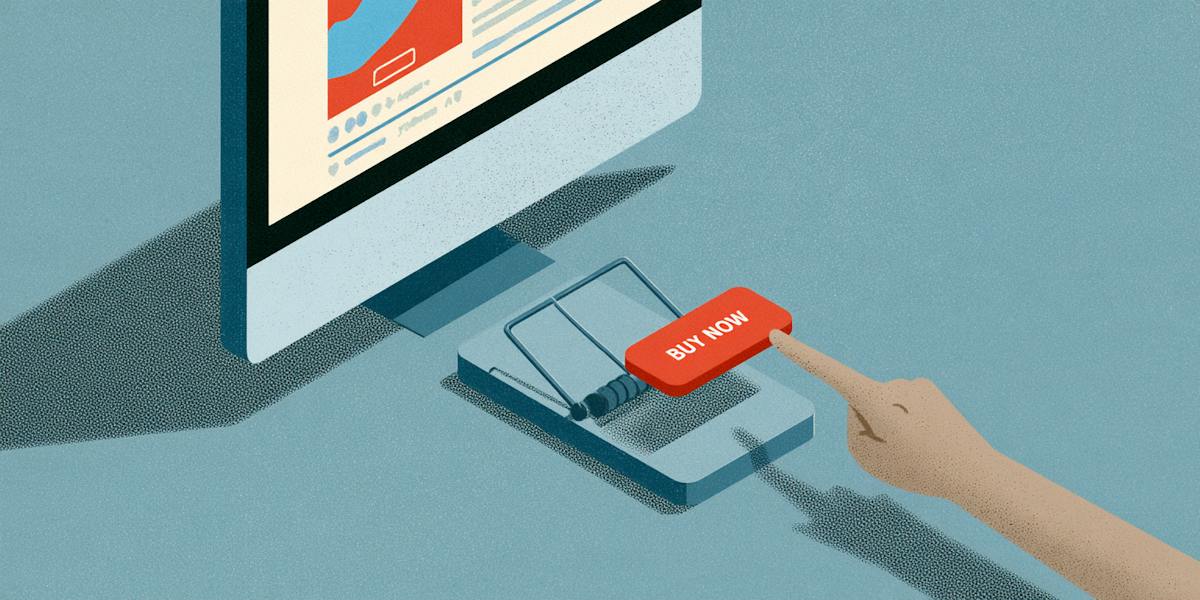
Fake shopping ads show up in your social media feed or search results, often promoting a popular product at a price that seems too good to pass up. When you tap, you land on a look-alike store that takes your money and either ships nothing at all or sends something cheap and far from what you ordered. Before you buy from an ad, search for the store on your own and check for independent reviews, a real way to contact the business, and a clear return policy. If something feels off, skip the purchase and report the ad to the platform where you saw it.
Key takeaways
- Seeing an ad in your feed or at the top of your search results doesn’t mean the store behind it is real. Platforms don’t always fully vet the ads they run.
- Huge discounts on name-brand items, celebrity endorsements you can’t confirm, and countdown timers are some of the most common warning signs.
- Glowing comments under an ad can be fake too, especially when they all sound the same or come from accounts with no history.
- Before you tap, search for the store in a separate tab and look for reviews on sites it doesn’t control.
- Real stores use a checkout page. If a seller asks you to pay through a direct message or a payment app, walk away.
- If you already ordered, call your card issuer right away, save screenshots of the ad and your order, and report it to the platform and the FTC.
It’s late, you’re scrolling on your phone before bed, and an ad pops up for the exact winter coat you’ve been thinking about, marked down 70% for a limited time. The photos look great, the comments are full of happy customers, and checkout is just one tap away.
That one tap is exactly what fake shopping ads are designed for. They appear in social media feeds and search results and send you to look-alike stores built to take your payment, then ship nothing or something much worse than what you saw. Because creating a polished ad is cheap and fast, these stores can look surprisingly convincing, and they often vanish and reappear under a new name before many people catch on.
Below, you’ll learn how fake shopping ads work, the signs to look for, how to check a store before you buy, and what to do if you’ve already placed an order.
How do fake shopping ads work?
Most fake shopping ads follow a simple pattern. A scammer sets up an online store, or copies a real one, and pays to place ads for it in front of shoppers. The ads usually feature popular products at steep discounts, and when you tap, you land on a store page that looks polished and professional. After you pay, one of two things tends to happen. Either nothing ever arrives, or you get something cheap, damaged, counterfeit, or completely different from what you ordered. By the time you go back to complain, the store may have disappeared or changed its name, and a new ad for a “new” store is already running.
It’s a bigger problem than many people realize.
People reported losing $2.1 billion to scams that started on social media in 2025, and shopping scams were the most commonly reported type, according to the FTC¹. The FTC also found that more than $95 million in losses that year came from people who ordered something after seeing a social media ad, and it notes that platforms don’t always thoroughly check the ads they run.²
These ads can show up almost anywhere you spend time online, including your social media feed, stories, and search results. Some well-known retailers also advertise heavily, which can make it harder to tell real deals from fake ones.
How exposed is your personal information?
Take our free risk quiz to see where your data may be exposed online.
Take the Risk Quiz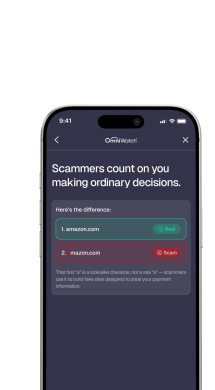
The common signs an ad is fake
A steep discount with no explanation.
Name-brand items at a fraction of the usual price.
A celebrity or influencer endorsement. Look for signs the endorsement is made up, such as unnatural video or no mention from the person's own accounts. See our guide to deepfake scams and the deepfake glossary entry.
A brand look-alike. A logo or name that is nearly, but not exactly, a real brand's.
Comments turned off, or comments that look the same. Identical praise from accounts with no history.
Countdown pressure. "Only 5 minutes left" or "last 3 in stock."
A store with no history. No independent reviews, no news, no social presence beyond the ad.
A request to pay outside the checkout. Direct messages, links, or payment apps for a stranger.
No single sign proves an ad is fake, but several together should stop you from clicking “pay now.”
How to check the store before you tap
Before you tap that ad, it’s worth doing a little digging on your own. A few quick checks can tell you a lot about whether a store is real.
Search for the store separately. Instead of tapping the ad, open a new tab and search for the store’s name along with words like “reviews” or “scam.” Look for what real customers are saying on sites the store doesn’t run.
Compare the price somewhere you trust. Look up the same item at a store you already shop with. If the coat is $180 everywhere else and the ad is selling it for $50, that price is meant to hook you.
Check who’s behind the ad. Tap the advertiser’s name or profile, not the ad itself. A brand-new page with very few posts, no real followers, or a name that doesn’t match the store is a red flag.
Look at the store’s basics. If you do decide to visit the site, type the address into your browser yourself. Then look for a real way to contact the business, clear return and shipping policies, and normal payment options like credit cards. A store that pushes you toward gift cards or wire transfers isn’t one to trust.
If you want to go deeper, here’s how to tell if a website is legit before you enter any payment details.
What do scammers do with the card details you enter?
The money you spend on a fake order is often just the beginning. Once a scammer has your card number, they can use it to make more purchases or sell it to other criminals, sometimes weeks after your original order. If you created an account on the fake store using a password you’ve used before, they may try that same login on your email, bank, or shopping accounts to see what else they can get into. And the name, address, and phone number you entered at checkout can help them put together a more convincing scam later, like a call pretending to be your bank or a text about a “problem” with your order.
That’s why it pays to check a store before you buy, and to keep a close eye on your card statements after any purchase from a store you don’t know well. It’s also a good idea to use a unique password any time you create an account with a new store, so one bad site can’t give anyone access to the rest of your accounts.
How to report a fake ad
Reporting a fake ad only takes a moment, and it can help keep the same store from reaching other shoppers. Here’s where to send it:
The platform where you saw it. Use the reporting option on the ad itself. Include as much detail as you can, like the store’s name and why you think it’s a scam.
The Federal Trade Commission. Report the scam to the FTC, especially if you placed an order or shared your card details. The FTC uses reports to track patterns and build cases against scammers.
BBB Scam Tracker. You can also share what happened with BBB Scam Tracker³, where other shoppers can look up reports before they buy.
Before you report, take screenshots of the ad, the store’s web address, and any order confirmation or messages, since fake ads and stores can disappear quickly.
Fake ads aren’t limited to products, either. Scammers also use them to promote fake travel deals, so it’s worth learning how holiday travel scams work before you book a trip this season.
How to shop from ads more safely
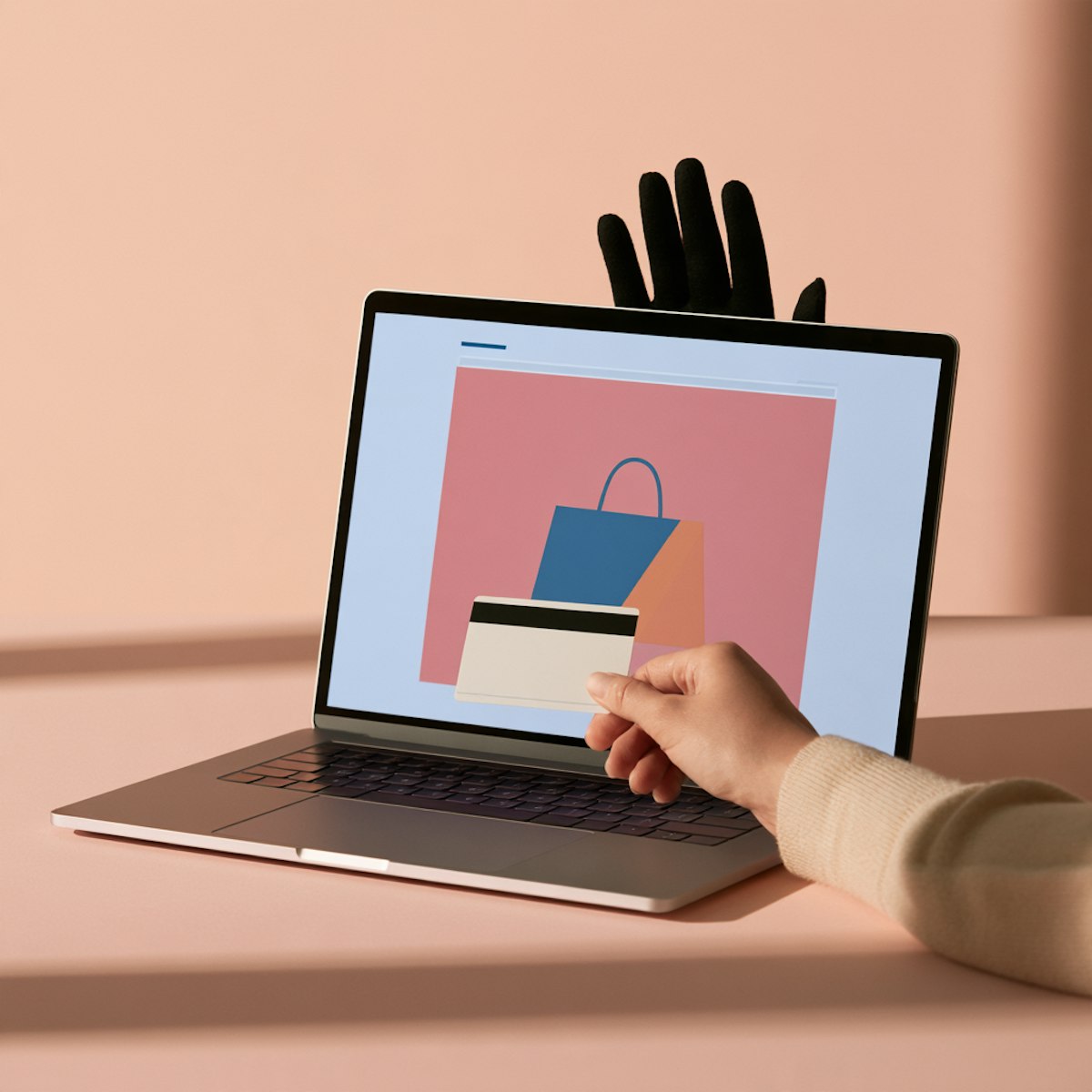
Go to the retailer yourself. Type the store's name into your browser and find the product there.
Don't pay through direct messages. Real stores use a checkout, not a chat. Scammers who push you to chat are using social engineering.
Use a payment method you understand. Credit cards come with federal dispute rights for billing errors, subject to time limits.4 See our guide on whether your bank will refund you if you're scammed for how other methods differ.
Wait a day for big purchases. A deal that's real will usually still be there.
Check an ad's store with OmniWatch
Fake shopping ads are designed to look just as polished as real ones, so it can be hard to tell the difference while you’re scrolling. OmniWatch members with scam protection can use the AI Scam Checker to review a store’s link or a screenshot of the ad before buying. It’ll show whether it looks likely safe, unverified, likely spam, or a scam. It’s a helpful extra step, but it works best alongside the checks above, like searching for independent reviews and comparing the price at a store you already trust.
Not sure if an ad is real?
Fake shopping ads are built to look just like the real thing, right down to the reviews. OmniWatch Scam Protection helps you check suspicious links, texts, and screenshots before you buy.
Explore Scam ProtectionFrequently asked questions
How do I know if a social media ad is fake?
Look for a steep discount, a celebrity endorsement you can't confirm, a store you've never heard of, and pressure to buy now. No single sign proves it, so check the store separately: search for independent reviews, find the item at a store you know, and confirm contact details and policies.
Are Instagram and Facebook shops safe?
Some are real, and some are not. Appearing on a social platform doesn't make a store trustworthy. Check any shop the way you'd check an unfamiliar website: look for independent reviews, real contact details, and clear policies, and pay with a method that offers dispute rights.
What should I do if I ordered from a fake ad?
Call your card issuer using the number on your card, save screenshots of the ad and your order, change reused passwords, and watch your statements. Report it at ReportFraud.ftc.gov and to the platform. No one can promise a refund, but acting quickly gives you the most options.
How do I report a scam ad?
Report the ad to the platform where you saw it, using the option on the ad itself, and report it to the FTC at ReportFraud.ftc.gov. Include screenshots and the store's web address. Reports help investigators see patterns and may help other shoppers avoid the same store.
Can search ads be fake too?
Yes. Ads in search results can lead to look-alike stores, so appearing near the top of a search doesn't make a store trustworthy. Check the web address, look for independent reviews, and consider typing the retailer's name directly instead of following an ad.

This guide is published by OmniWatch, an identity and scam protection company. Follow OmniWatch on LinkedIn for ongoing guidance on identity protection and digital safety.
Sources
1. Federal Trade Commission, data spotlight on scams that start on social media (2025 losses). https://consumer.ftc.gov/node/331302
2. Federal Trade Commission Consumer Alert, "Are ads on social media vetted or checked for scams? Here's what to know," August 2026. https://consumer.ftc.gov/consumer-alerts/2026/08/are-ads-social-media-vetted-or-checked-scams-heres-what-know
3. Better Business Bureau, BBB Scam Tracker. https://www.bbb.org/scamtracker
4. Cornell Law School Legal Information Institute, 15 U.S.C. § 1666, Correction of billing errors. https://www.law.cornell.edu/uscode/text/15/1666