
 Call us at (877) 892-8249

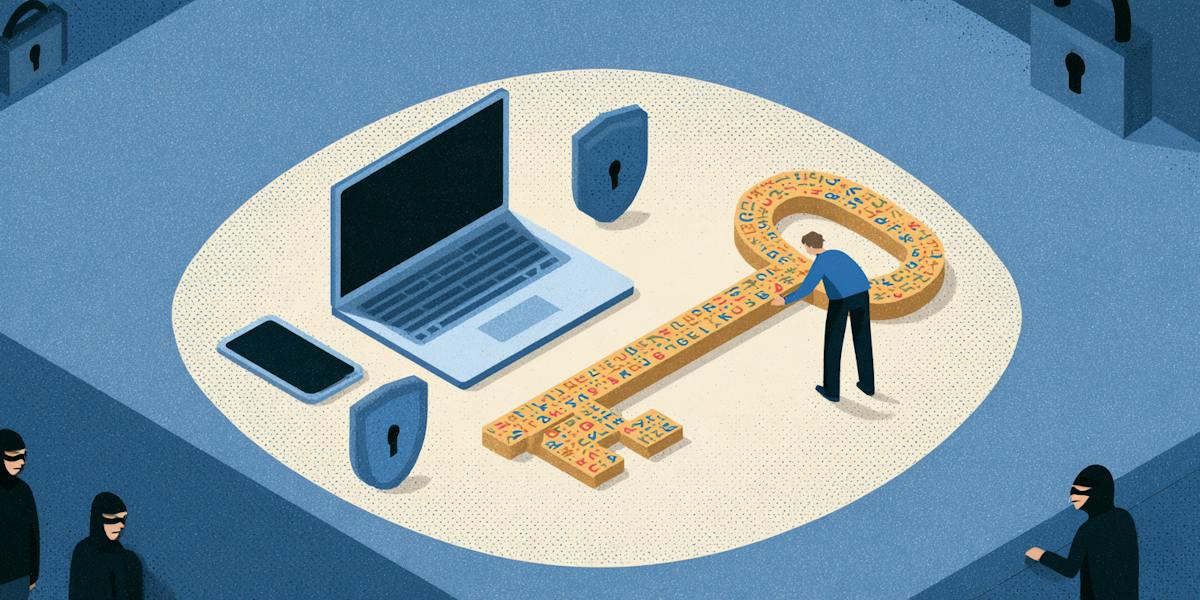
Be honest: how many accounts do you have? Fifty? A hundred? And how many passwords do you actually use? If the answer is "a few, with small changes," you're in good company.
Most of us have dozens of online accounts, from email and banking to shopping sites we used once three years ago. But if you’re like a lot of people, you’re getting by with a handful of passwords, each with a small twist so they’re easy to remember. That habit is understandable, and it’s also exactly what attackers are hoping to find.
Strong passwords are actually simpler than they used to be. The old advice about mixing symbols and changing passwords every few months has given way to something easier to follow, and the sections below cover what makes a password strong, how to create one, how a password manager helps, and what to do if one of your passwords leaks. It’s one of the most useful online safety tips you can put into practice today.
Key takeaways
- Length matters more than clever tricks. Swapping an “a” for an “@” doesn’t do much, but adding more characters does.
- Every account needs its own password, so a leak from one site can’t unlock the rest.
- A passphrase made of several random words can be both strong and easy to remember.
- A password manager makes it realistic to use long, unique passwords everywhere, since you only have to remember one.
- Two-factor authentication adds a second layer that can keep someone out even if they get your password.
- Current guidance from NIST moves away from forced, routine password changes. Change a password when there’s a reason to, like a breach.
What makes a password strong?
CISA’s¹ consumer guidance comes down to three traits, and its tip sheet suggests aiming for at least 16 characters.
Long. Every extra character makes a password much harder to guess or crack.
Random. Names, birthdays, pets, and common phrases are the first things attackers try, so leave them out.
Unique. A different password for every account means that if one site is breached, the others stay locked.
The National Institute of Standards and Technology² points in the same direction. Its digital identity guidelines favor length over strict complexity rules, like requiring a symbol or a capital letter, and move away from forcing people to change their passwords on a set schedule.
How exposed is your personal information?
Take our free risk quiz to see where your data may be exposed online.
Take the Risk Quiz
How to create a strong password
What is a passphrase?
A passphrase is a long string of unrelated words, like four or five random words joined together. It's easier to remember than a jumble of symbols and can be very strong because of its length. CISA suggests a memorable long passphrase for the one password you need to remember, the one for your password manager.
Why reusing a password puts you at risk
When a website is breached, attackers often take the leaked email addresses and passwords and try them on other popular sites to see what else opens. If you’ve used the same password in more than one place, a single breach can turn into several. That’s how a leak from a shopping site you forgot about can end with someone in your email account, and from there, they can reset the passwords to almost everything else.
Leaks like the 149 million credentials exposed in a recent data leak show just how many logins can end up circulating at once.
How a password manager helps
CISA acknowledges that for most people, creating and remembering a long, random, unique password for every account just isn’t realistic. A password manager solves that problem by creating, storing, and filling in your passwords for you, so the only one you need to remember is the one that unlocks it. Many will even point out passwords you’ve reused so you can update them.
If you start using one, choose a password manager from a company with a strong reputation, lock it with a long passphrase and two-factor authentication, and keep a way to recover your account somewhere safe.
Find out if your passwords have leaked
Even a strong password can end up exposed in a breach you never hear about. OmniWatch Dark Web Monitoring scans the dark web and known data breaches for your email addresses, passwords, and other personal details, and alerts you if they turn up.
Explore Dark Web MonitoringHow to keep your passwords safe
Turn on two-factor authentication. Start with your email and financial accounts, since those protect everything else.
Never share a password or one-time code. Real customer support won’t ask you for either one.
Be careful with login pages. Type a website’s address yourself, or rely on your password manager’s autofill, which usually won’t fill in your details on a look-alike site.
Think twice on public Wi-Fi. Logging in to important accounts on a network you don’t trust comes with risks, so it helps to know if public Wi-Fi is safe before you connect.
Keep passwords out of notes and emails. Those are easy places for someone else to find them.
Update exposed passwords right away. And if you think malware captured a password, remove the malware first, then change your passwords from a separate device you know is clean.
What to do if your password leaks
Change it right away, along with any other account where you used the same password.
Turn on two-factor authentication for that account, if you haven’t already.
Look for activity you don’t recognize, like new logins, changed settings, or purchases you didn’t make.
Find out what else was exposed. If your password is found on the dark web, other details like your email address may have been leaked with it.
Report any scams that follow to the FTC.
Strong passwords work best alongside other protections, and it’s worth understanding where security tools fit in, including whether you need antivirus software on top of good password habits.
Monitor for exposed passwords with OmniWatch
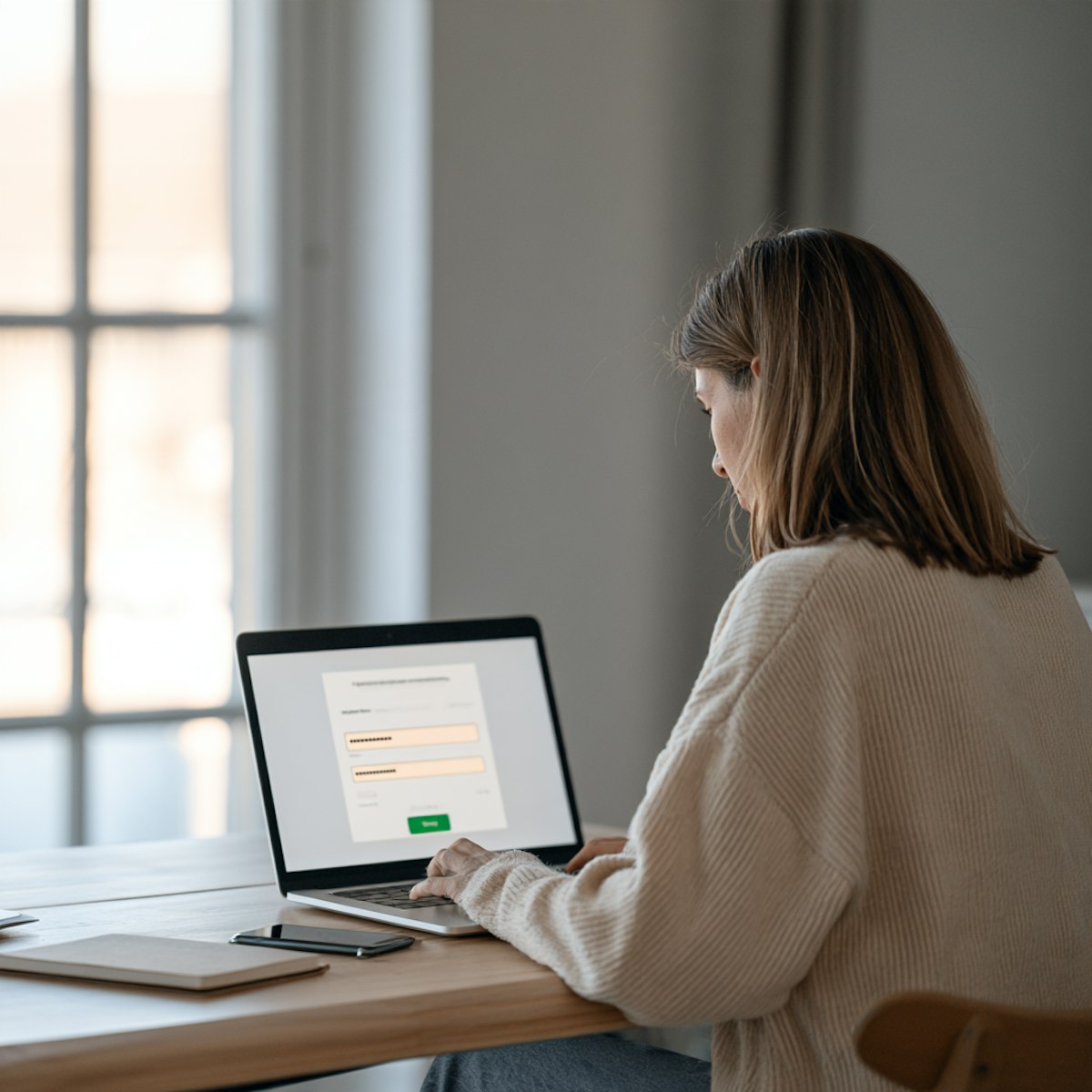
Even the strongest password can end up exposed if a company you trusted gets breached, and you usually won’t hear about it right away. OmniWatch dark web monitoring scans the dark web and known data breaches for the email addresses, passwords, and other personal details you add, then alerts you if they turn up. Monitoring can’t stop a breach from happening, but finding out early gives you a head start on changing your passwords and locking down your accounts before anyone can use them.
Frequently asked questions
How long should a password be?
CISA's tip sheet suggests at least 16 characters, and longer is better. Length makes a password much harder to crack. Use random words or characters, make each password unique, and let a password manager remember them so you don't have to rely on memory.
Are passphrases better than passwords?
Often, yes. A passphrase made of several random words is long, which makes it hard to crack, and easier to remember than random symbols. CISA suggests a memorable long passphrase for the one password you need to remember, the one for your password manager.
Is it safe to use a password manager?
For most people, it's safer than reusing passwords or storing them in notes. CISA recommends using one. Protect it with a long passphrase and two-factor authentication, choose a reputable provider, and keep a recovery method in a safe place, such as a printed copy.
Should I change my passwords regularly?
Forced, routine changes aren't what current guidance emphasizes. NIST's guidelines move away from periodic resets. Change a password when you suspect it's been exposed, when you've reused it, or after malware or a breach. Otherwise, a long unique password with two-factor authentication matters more.
What should I do if my password was in a data breach?
Change that password right away, and any other account where you used it. Turn on two-factor authentication, check your accounts for unfamiliar activity, and use a password manager so each password is unique.

This guide is published by OmniWatch. Follow OmniWatch on Facebook for ongoing guidance on identity protection, digital safety, and scam awareness.
Sources
1. CISA, Secure Our World: "Use Strong Passwords". https://www.cisa.gov/secure-our-world/use-strong-passwords
2. National Institute of Standards and Technology, SP 800-63B, Digital Identity Guidelines: Authentication and Authenticator Management. https://pages.nist.gov/800-63-3/sp800-63b.html