
 Call us at (877) 892-8249
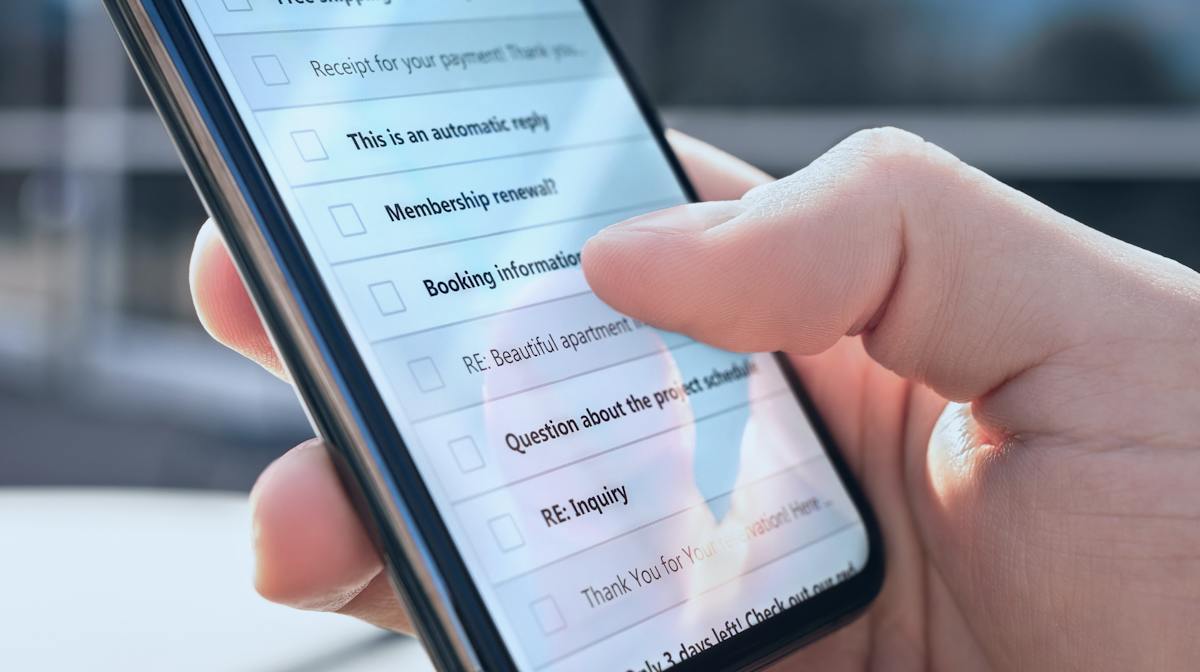
A quieter inbox has less to do with heroic filtering and more to do with controlling where an email address travels. Spam is not a sign that someone did something wrong. It is the background noise of modern email, and how loud it gets usually comes down to one thing: how many places your address has been shared, sold, or exposed.
You can’t control what spammers send, but you can control where your email address travels. Below, we’ll walk through why the junk messages pile up, what every “free” signup actually costs you, and the habits that make the biggest difference.
Key takeaways
- Kaspersky found that nearly half of all email sent in 2025 was spam, so a crowded inbox is normal.
- Every signup, form, loyalty program, and sweepstakes entry can add an address to marketing and data-broker lists.
- Unsubscribing works for legitimate senders, while marking as spam trains the filter against the rest.
- A masked or alias email keeps a primary inbox clean and limits future exposure.
- Spam volume often reflects the size of a digital footprint, so reducing that footprint cuts spam at the source.
Why you get so many spam emails
The sheer scale explains a lot. Kaspersky found that nearly half of all email sent in 2025 was spam, and its filters blocked more than 144 million malicious attachments over the year.1 With that much unwanted mail in circulation, even a careful person receives a steady stream.
Volume is only part of the story. Your address starts attracting spam the moment it becomes visible, and it gets a little more visible every time you type it into a form. Marketers buy and trade contact lists, and a single purchase from a data broker can seed an inbox with dozens of new senders. Public exposure compounds the problem, since an address posted on a profile, leaked in a breach, or scraped from a website becomes fair game for bulk mailers. The more places an address appears, the more spam tends to follow.
What signing up actually costs you
Free is rarely free. When a site asks for your email address to unlock a discount, a download, or a newsletter, that address often becomes a tradable asset. Read enough privacy policies and you’ll notice the same clause: the company reserves the right to share your contact details with partners, affiliates, and advertisers, which means one signup can feed many mailing lists.
Loyalty programs and sweepstakes deserve extra caution, since their purpose is often to collect and monetize contact data. Each entry adds a thread that links an address to a name, a purchase history, and sometimes a phone number. Over months, those threads weave a detailed profile that circulates among brokers. The cost is not paid upfront. It arrives later as a fuller inbox, more targeted advertising, and a wider surface for fraud attempts. Naming that trade-off is the first step toward controlling it, because it reframes each signup as a small, deliberate decision rather than a reflex.
How to stop spam emails: a step-by-step approach
Cutting spam is less about any single trick and more about consistent habits. The following steps, applied together, produce the clearest results.
Unsubscribe from senders you recognize. Legitimate marketers are required to honor unsubscribe requests, so use the link at the bottom of their emails.
Mark unknown senders as spam rather than deleting them. Deleting removes one message, while reporting teaches the filter to catch the next one.
Never reply to obvious spam or click a link to opt out of a sender you do not know, since any response confirms the address is active.
Turn on your provider's built-in filtering, and review the spam folder occasionally so legitimate mail is not lost.
Create filters or rules that route newsletters and receipts away from the main inbox, which keeps important mail visible.
Not sure which move fits which message? Here’s the quick version.
The email is from… | What to do | What not to do |
A brand you actually signed up with | Use the unsubscribe link | Mark it as spam (it can hurt legitimate senders and won’t help your filter) |
A company you’ve never heard of | Mark as spam | Click unsubscribe or reply |
A “bank,” “retailer,” or “delivery service” asking you to confirm details | Mark as phishing, then verify through the company’s official app or site | Click any link or call any number in the message |
A sender that keeps coming back under new names | Block the domain and consider whether that address is worth keeping | Keep deleting one at a time |
Consistency matters more than speed. A week or two of disciplined reporting noticeably thins the flow.
Mask your email address to stop spam at the source
The most durable fix is to stop handing out your primary address at all. Email masking, offered by most major providers and several privacy tools, generates a unique alias for each service you sign up for. Mail sent to the alias still reaches the main inbox, but the underlying address stays hidden.
The advantage becomes obvious once spam starts. If a particular alias begins receiving junk, you’ll know exactly which company shared or leaked it, and can disable that single alias without touching any other account. This turns a frustrating guessing game into a clean cut. New signups route through fresh aliases, breaches touch only a throwaway address, and the primary inbox stays reserved for people and services that matter.
It’s also worth finding out whether your real address is already out there. A free data breach scan from OmniWatch checks your email against known leaked records in seconds, which helps you decide where to start. If you’re beginning from a noisy inbox, masking is the one change that keeps paying off the longest.
Spam is a symptom of your digital footprint
Spam rarely shows up alone. It usually is a sign that your address, and the identity attached to it, has spread across the web. That spread is your digital footprint, and its size largely determines how much unwanted contact you get. The same exposure that fills an inbox also drives the surge in text-message scams and unwanted phone calls, because brokers often sell email addresses and phone numbers together.
Shrinking that footprint addresses the root cause. Removing your personal details from data-broker sites, tightening privacy settings, and limiting new signups all reduce the number of places an address can be found. The digital footprint monitoring built into OmniWatch identity protection can flag when personal information surfaces somewhere new, giving an early signal to act. Viewed this way, a lighter inbox is a side effect of a smaller, better-managed presence online.
And if you suspect your address is already circulating, our guide to what to do if your email is found on the dark web walks you through the next steps.
When a spam email is actually a scam
Not every unwanted message is harmless marketing. A meaningful share of spam is built to steal your credentials or money through phishing, and these phishing emails often imitate banks, retailers, and delivery services. The tells are consistent: urgency, a request to click a link or confirm details, and a sender address that does not match the brand it claims to represent.
The safe response is simple. Do not click, do not reply, and verify anything urgent by contacting the company through its official app or website.
Tools such as OmniWatch can scan incoming messages and flag suspicious ones before a person acts on them. If a scam message leads to a lost password or stolen funds, report identity theft at the federal government's official recovery site, IdentityTheft.gov, which provides a personalized recovery plan. Treating questionable spam as a possible scam, rather than a mere annoyance, keeps a cluttered inbox from becoming a costly one.
Ready to take your inbox back?
Find out in seconds whether your email address has already been exposed, then see how OmniWatch helps you keep it that way.
Run my free scanFrequently asked questions
Does unsubscribing from spam make it worse?
Not for legitimate senders. Unsubscribe links from real companies are safe and effective. For unknown or clearly fraudulent senders, skip the link and mark the message as spam instead, since clicking confirms the address is active.
Why did my spam suddenly increase?
A sudden spike often follows a data breach, a recent run of signups, or the sale of your address to a new marketing list. Checking whether your email address has appeared in a breach can point to the cause.
Can you ever fully stop spam emails?
Reaching zero is unrealistic, but the volume can drop sharply. Masking, disciplined reporting, and a smaller digital footprint together can turn a flooded inbox into a manageable one.
Is a masked email address safe to use?
Yes. Reputable masking services forward mail to your real inbox while hiding the underlying address, and they let a user shut off any alias that starts attracting spam.

This guide is published by OmniWatch. Follow OmniWatch on Facebook for ongoing guidance on identity protection, digital safety, and scam awareness.
Sources
1. Kaspersky Securelist, Spam and Phishing in 2025: https://securelist.com/spam-and-phishing-report-2025/118785/