
 Call us at (877) 892-8249

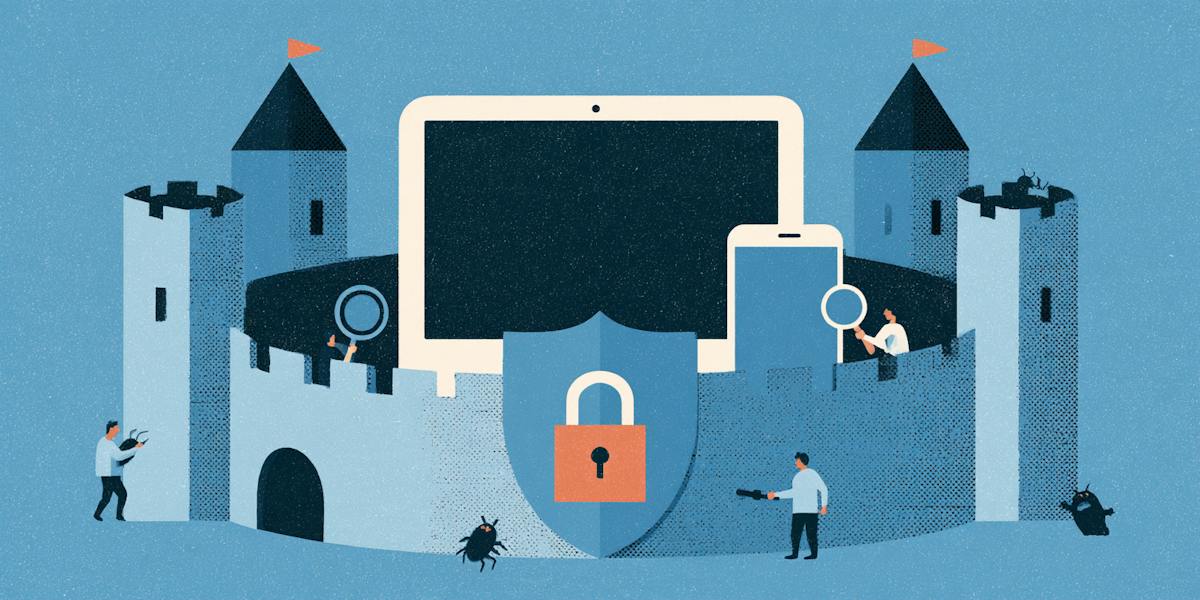
It’s easy to picture malware as something hackers force onto your device, but most of the time it gets in with a little help. An attachment that looked like an invoice, a free app from a site you’d never used, a link in a text that seemed close enough to real. That’s frustrating, but it also means the habits you build have a lot of power to keep malware out.
The twelve habits below start with the simplest and work up to the ones that take a little more effort. They’re a core part of everyday online safety, and most of them take very little to set up.
Key takeaways
- Most malware gets onto a device because someone opened an attachment, installed a sketchy app, or tapped a link, so careful clicking and downloading do a lot of the work.
- Turning on automatic updates closes the security gaps attackers rely on most.
- Unique passwords and two-factor authentication limit the damage if malware ever manages to steal a login.
- A backup stored away from your device means ransomware can lock your files without leaving you stuck.
- Security software helps, but it can’t catch everything, so it works best as one layer among several.
- Pop-ups that claim your device is infected and tell you to call a number are a common tech support scam.
12 ways to prevent malware
Install updates promptly. Updates fix the holes attackers use. Turn on automatic updates for your operating system, browser, and apps.
Use security software on the devices it supports, and keep it updated. If you don't have any, the FTC suggests finding recommendations from independent review sites.1
Download only from official sources. The FTC advises against using unfamiliar websites to download free music, movies, shows, or games.
Skip peer-to-peer file sharing. The FTC lists P2P sites among the risks to avoid.
Read installation screens. Decline bundled software you don't recognize.
Don't open unexpected attachments or tap unexpected links. Phishing emails and texts are a common delivery method. See our guide to phishing.
Use a long, unique password for every account, and a password manager to keep them straight.
Turn on two-factor authentication. If malware steals a password, a second step can still block the login.
Back up your important files. Keep a copy somewhere that isn't always connected to your device, so ransomware can't lock both.
Be careful on public Wi-Fi. Avoid sensitive logins on networks you don't trust.
Review app permissions and browser extensions. Remove what you don't use.
Don't call numbers in pop-up warnings. The FTC describes pop-ups that tell you to call as a tech support scam tactic.2
How exposed is your personal information?
Take our free risk quiz to see where your data may be exposed online.
Take the Risk Quiz
Which habits matter most?
If you only tackle three, make them updates, unique passwords with two-factor authentication, and backups. Together, they cover the most common ways malware gets onto a device, spreads into your accounts, or holds your files hostage.
Why do updates matter so much?
Many attacks take advantage of weaknesses that companies have already found and fixed. When a device goes months without updates, it’s still exposed to problems that were solved long ago, which makes it an easy target.
Why do backups matter for ransomware?
Ransomware locks your files and demands payment to unlock them. CISA³ and other federal law enforcement agencies recommend against paying, since there’s no assurance your files will be restored. If you have a recent backup, you can restore your files yourself, which takes a lot of the pressure off. Knowing how ransomware works can also help you spot it early.
What can malware do if it gets through?
Once malware is on a device, it can record what you type, steal saved passwords, track your browsing, lock your files, or quietly use your device to help launch attacks on others. Stolen logins are especially valuable to scammers, who use them to get into email, bank, and shopping accounts, and to send convincing scams to you and the people in your contacts.
That’s why layering these habits matters. If one fails, another can still limit the damage.
Types of malware you should plan for
Viruses, worms, trojans, spyware, and ransomware all behave a little differently, from spreading between files to quietly tracking what you do. The good part is that you don’t need a separate plan for each one, since the habits above help protect against all of them. Understanding the main types of malware can still make it easier to recognize what you’re dealing with.
What to do if malware gets through anyway
Even careful people end up with malware sometimes. If it happens, disconnect the device from the internet, update it, run a security scan, remove any programs you don’t recognize, and change your passwords from a separate device you know is clean. The full steps to remove malware from your computer or phone walk through the process for each type of device. If you come across a scam or ransomware attack, report it to the FTC so investigators can track how it’s spreading.
Check a suspicious link with OmniWatch
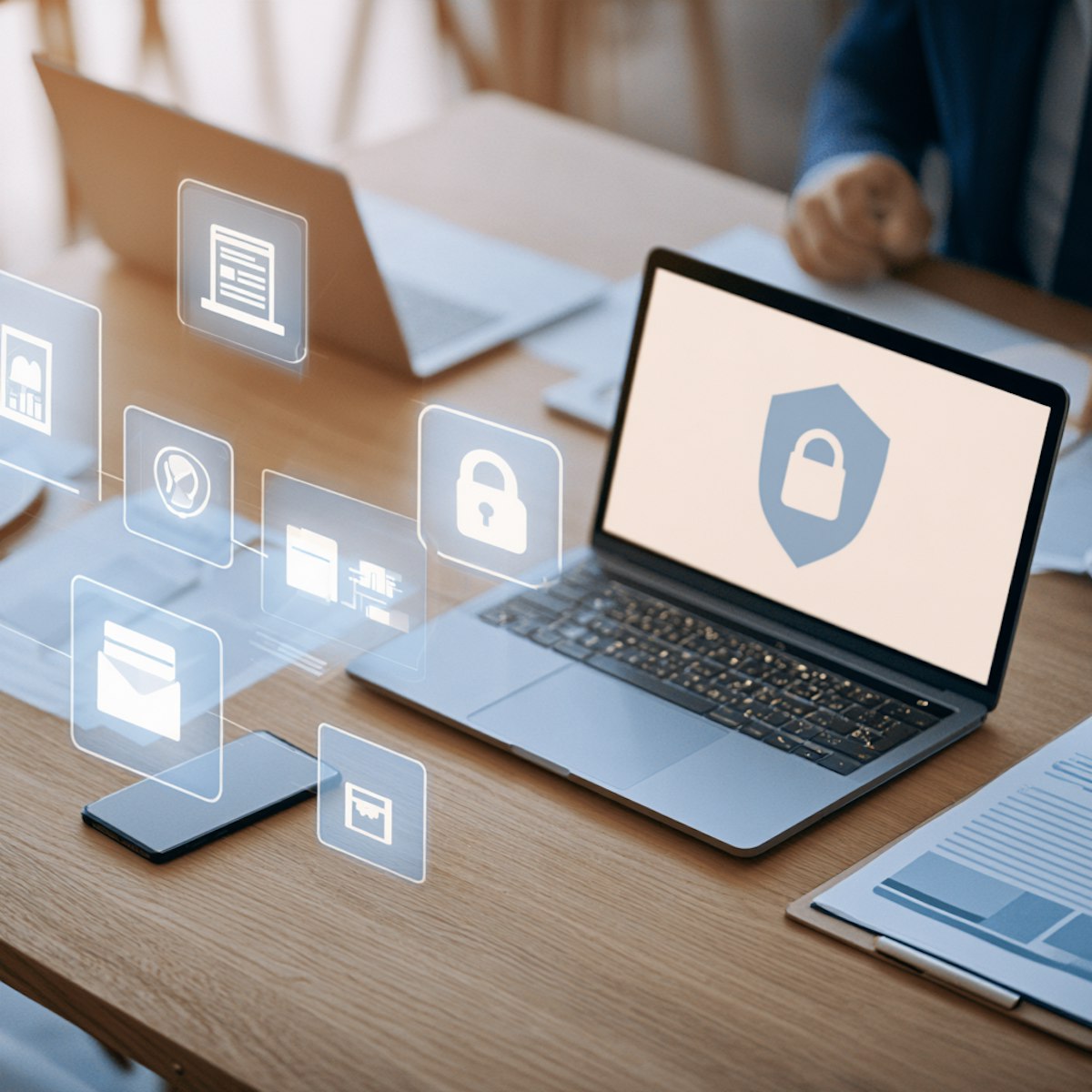
Prevention works best in layers, and some messages are hard to judge on your own. If a link or attachment in a text or email makes you hesitate, OmniWatch members with scam protection can run it through the AI Scam Checker before opening it. It’ll label what you share as likely safe, unverified, likely spam, or a scam. Treat it as one more layer on top of the twelve habits above, not a substitute for them.
Frequently asked questions
What is the best way to prevent malware?
No single step is best, but updates, careful downloads, and careful clicking stop a lot of it. Add unique passwords, two-factor authentication, and backups so one failure doesn't become a disaster. Layering habits works better than relying on any one tool.
Does antivirus software prevent all malware?
No. Antivirus catches many known threats but can miss new ones, and it can't stop you from entering a password on a fake page. The FTC suggests using security software, and also avoiding risky downloads. Treat antivirus as one layer, not a complete answer.
How often should I update my devices?
Install updates as soon as they're offered, or turn on automatic updates. Updates fix security holes that attackers already know about, so waiting leaves a window open. Update your operating system, browser, and apps, not just one of them. If automatic updates are off, check for updates at least weekly.
Can I get malware from a text or email?
Yes. A link or attachment in an unexpected message can lead to a malicious download or a fake login page. Don't open attachments you weren't expecting, and go to the site yourself instead of tapping a link.
How do backups help against ransomware?
If ransomware locks your files, a recent backup lets you restore them without paying. Keep at least one copy that isn't constantly connected to your device, and test that you can restore it. CISA and federal law enforcement do not recommend paying ransoms.

This guide is published by OmniWatch. Follow OmniWatch on Facebook for ongoing guidance on identity protection, digital safety, and scam awareness.
Sources
1. Federal Trade Commission, "Malware: How To Protect Against, Detect, and Remove It". https://consumer.ftc.gov/articles/malware-how-protect-against-detect-and-remove-it
2. Federal Trade Commission, "Spotting and Avoiding Tech Support Scams". https://www.ftc.gov/techsupportscams
3. CISA, Shields Up (guidance on ransomware payments). https://www.cisa.gov/shields-up