
 Call us at (877) 892-8249

QUICK ANSWER
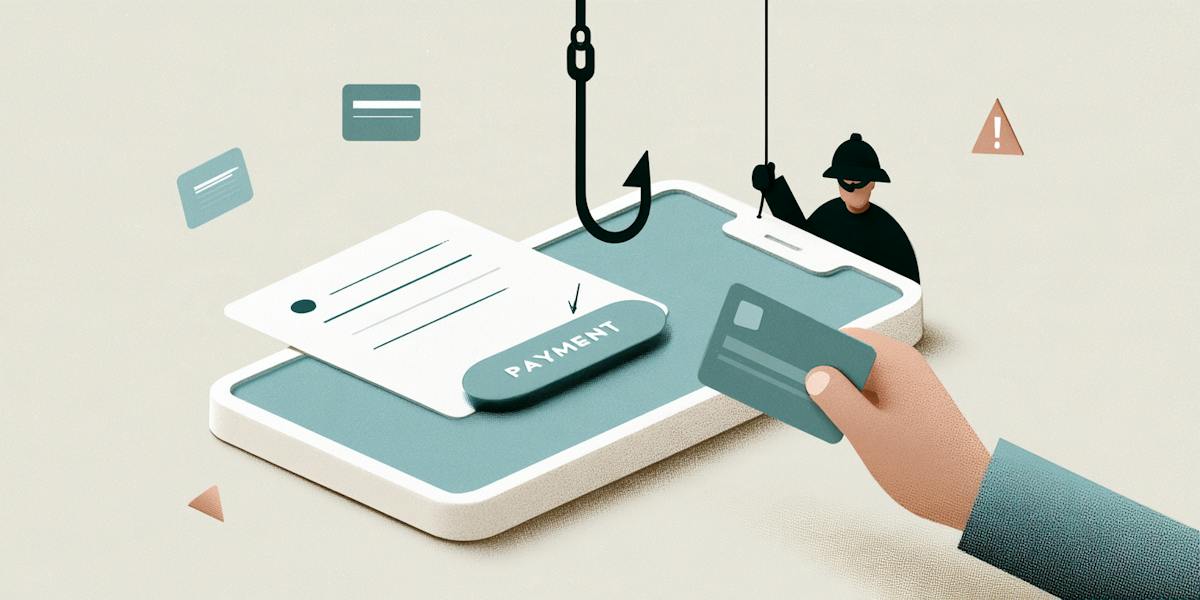
A fake checkout page is designed to look just like a normal payment screen, but anything you type into it, including your card number and billing address, goes straight to a scammer. Payment link scams work a little differently, because instead of building a fake store, the scammer sends you a link and asks you to pay through it. The easiest way to stay safe is to only enter your card details on a store’s own website, after you’ve picked out the items yourself, and never on a page you reached through an unexpected text, email, or message.
Key takeaways
- A real checkout comes at the end of a purchase you started, on the store’s own website. If you landed on a payment page without picking anything out, that’s a warning sign.
- Fake checkout pages often copy real brands closely, so check the web address in your browser instead of trusting how the page looks.
- A “pay here” link from a stranger, a marketplace buyer or seller, or a message you weren’t expecting is a red flag, even if it looks official.
- A real checkout will never ask for your bank login or a one-time code just to take a card payment.
- The way you pay affects what you can do if something goes wrong. Credit cards typically come with dispute rights, while gift cards, wire transfers, and crypto are much harder to get back.
- If you already entered your card on a page you’re unsure about, call your card issuer right away using the number on the back of your card.
You’ve filled your cart, the total looks right, and the only thing left is to pay. It’s the step most of us rush through without a second thought, which is exactly why scammers target it. A fake checkout page can look identical to the ones you use every day, right down to the logo and layout, but instead of completing your order, it sends your card number, name, and billing address to someone else.
Payment link scams come at it from the other side. Rather than building a fake store, the scammer sends you a link and asks you to pay through it, often in a text, an email, or a chat with someone claiming to buy or sell something. Below, you’ll learn how to spot both, what a real checkout looks like, and what to do if you’ve already entered your card.
What a fake checkout page looks like
Fake checkouts copy branding well, so don't judge by looks alone.
Look for these warning signs instead:
An odd web address. Extra words, swapped letters, or an unusual ending in the address bar.
No order history. You arrived at a payment form without adding items to a cart, or the cart is oddly empty.
Missing policies. No return policy, shipping information, or contact details anywhere on the site.
A payment form with nothing around it. Real stores show order details, taxes, and shipping options. A bare form is a warning sign.
Requests for extra information. A real checkout doesn't need your bank login or a one-time code to take a card payment.
How exposed is your personal information?
Take our free risk quiz to see where your data may be exposed online.
Take the Risk Quiz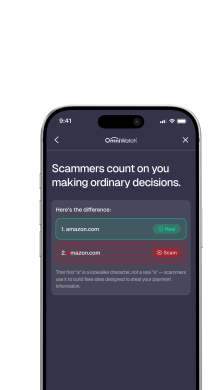
How payment link scams work
A stranger, or someone who says they're a buyer, seller, or company, sends you a link and tells you to pay through it.
Common versions of this include:
A "pay here" invoice for something you didn't order.
A shipping or release fee to collect a package or a prize.
A marketplace buyer or seller who wants to move the deal off the platform and pay through a link.
A text claiming an account is on hold until you pay, a tactic known as smishing.
The pattern is the same: the link isn't part of a purchase you started. If you want to see how this plays out on resale sites, see our guide to Reddit marketplace escrow scams and our pages on online marketplace scams and Facebook Marketplace scams.
How a real checkout is different
Real checkout pages tend to follow the same pattern, no matter which store you’re shopping with. If a page is missing these basics, that’s a good reason to stop before you pay.
A real checkout has a few things in common:
You started the purchase. You found the item yourself, added it to your cart, and clicked through to checkout on the store’s website. A real checkout doesn’t just show up in a text or pop up out of nowhere.
The web address belongs to the store. You typed it in yourself, used a saved bookmark, or came from a source you trust, like the store’s official app. The address in your browser should match the store’s name exactly.
Your order details are easy to find. You can see what you’re buying, the price, taxes, shipping costs, and the store’s return policy before you pay.
The payment options are ones you’d expect. Most stores accept credit and debit cards, and many offer trusted options like PayPal or Apple Pay. A real store won’t push you to pay with gift cards, wire transfers, or crypto.
Any extra security steps come from your bank. If you’re asked to approve the purchase in your banking app or enter a one-time code, it should come from your card issuer, not from the page itself.
If anything about the page feels off, close it and start over by typing the store’s web address into your browser yourself.
Which payment methods protect you, and which do not
How you pay changes what you can ask for if something goes wrong. Protections vary by method, by bank or app, and by what exactly happened.
Payment method | What to know |
|---|---|
Credit card | Federal law lets you dispute billing errors, including charges for items you never received, if you notify your card issuer in writing within 60 days of the statement showing the charge (Fair Credit Billing Act, 15 U.S.C. § 1666; Regulation Z, 12 C.F.R. § 1026.13).1 Limits and conditions apply. |
Debit card, bank transfer, payment apps | Rules differ by bank and by app. A payment you authorize yourself, even if you were tricked, is often handled differently from an unauthorized charge. Read the provider's policy before you pay. |
Gift cards, wires, crypto | These are what scammers ask for most. The FTC says anyone who demands payment by gift card is a scammer.2 In 2024, consumers reported losing more money to scams where they paid with bank transfers or cryptocurrency than all other payment methods combined, according to the FTC's March 2025 release.3 |
No one can promise a refund after a scam. But choosing a method with dispute rights, and checking the page before you pay, gives you the most to work with.
What you should do after entering your card on a fake page
Move fast. Here's the order:
Call your card issuer. Use the number on the back of your card. Tell them what happened, and ask about freezing or replacing the card and disputing any charges.
Watch your statements. Check for charges you don't recognize over the next several weeks.
Change reused passwords. If you created an account on the fake site, change that password anywhere else you used it, and turn on multi-factor authentication.
Save the evidence. Screenshots of the page, the web address, and any messages.
Report it. File at through the FTC. You can also use BBB Scam Tracker.4
If you gave a Social Security number or other ID details, follow the steps in our guide on how to report identity theft.
How to report or dispute a fake checkout
Reporting a fake checkout page can help you dispute the charge and make it harder for the scammer to target someone else.
There are three places worth contacting:
Your card issuer or bank. Call the number on the back of your card and explain that you entered your details on a fake checkout page. They have their own process for disputing charges and can tell you what options you have.
The Federal Trade Commission. Report the scam to the FTC so it can track patterns and build cases against scammers.
The platform that led you there. If the link came from a social media ad, a marketplace listing, or a messaging app, report the account or post directly on that platform. That can help get it taken down before anyone else falls for it.
Scammers also use fake payment links in donation requests, especially around the holidays. Before you give, learn how to spot charity scams. And if you want to see every way scammers target holiday shoppers, start with the most common online shopping scams.
Check a payment link with OmniWatch

A fake checkout page or payment link can look convincing at first glance, which is why it helps to check before you enter your card details. OmniWatch members with scam protection can use the AI Scam Checker to review a payment link, a screenshot of a checkout page, or the message that sent you there. It’ll show whether it looks likely safe, unverified, likely spam, or a scam. It’s a helpful extra step, but it works best alongside the checks above, like confirming the web address and making sure you started the purchase yourself.
Check a payment page before you enter your card
Fake checkout pages and payment links are built to look like the real thing, right down to the logo. OmniWatch Scam Protection helps you check suspicious links, texts, and screenshots before you enter your card.
Explore Scam ProtectionFrequently asked questions
How can I tell if a checkout page is fake?
Check the web address, whether you chose the items yourself, and whether policies and contact details are clear. A bare payment form with no order summary is a warning sign. If anything seems off, close the page and type the store's address yourself instead of using a link.
Is it safe to enter my card number online?
It can be, on a store's own site that you trust and reached on your own. Don't enter card details on a page you landed on from an unexpected message or ad. Check the address, look for real contact details and policies, and review your statements afterward.
What is a payment link scam?
It's a scam where someone sends you a link and asks you to pay through it, often outside the store or platform you started on. Examples include an unexpected invoice, a fee to release a package, or a buyer or seller who wants to move a deal to a payment link.
Which is safer, a card or a payment app?
Protections differ and depend on the situation. Federal law gives credit card holders the right to dispute billing errors, subject to time limits. Payment apps and debit cards work under different rules. Check your bank's and the app's own policies, and avoid paying strangers.
What should I do if I entered my card on a fake page?
Call your card issuer right away using the number on your card, and ask about freezing or replacing it. Watch your statements, change reused passwords, save evidence, and report it at ReportFraud.ftc.gov. No one can promise a refund, but quick action gives you the most options.

This guide is published by OmniWatch, an identity and scam protection company. Follow OmniWatch on LinkedIn for ongoing guidance on identity protection and digital safety.
Sources
1. Cornell Law School Legal Information Institute, 15 U.S.C. § 1666, Correction of billing errors. https://www.law.cornell.edu/uscode/text/15/1666
2. Federal Trade Commission, "Gift Card Scams". https://www.ftc.gov/giftcards
3. Federal Trade Commission, "New FTC Data Show a Big Jump in Reported Losses to Fraud to $12.5 Billion in 2024," March 10, 2025. https://www.ftc.gov/news-events/news/press-releases/2025/03/new-ftc-data-show-big-jump-reported-losses-fraud-125-billion-2024
4. Better Business Bureau, BBB Scam Tracker. https://www.bbb.org/scamtracker