
 Call us at (877) 892-8249

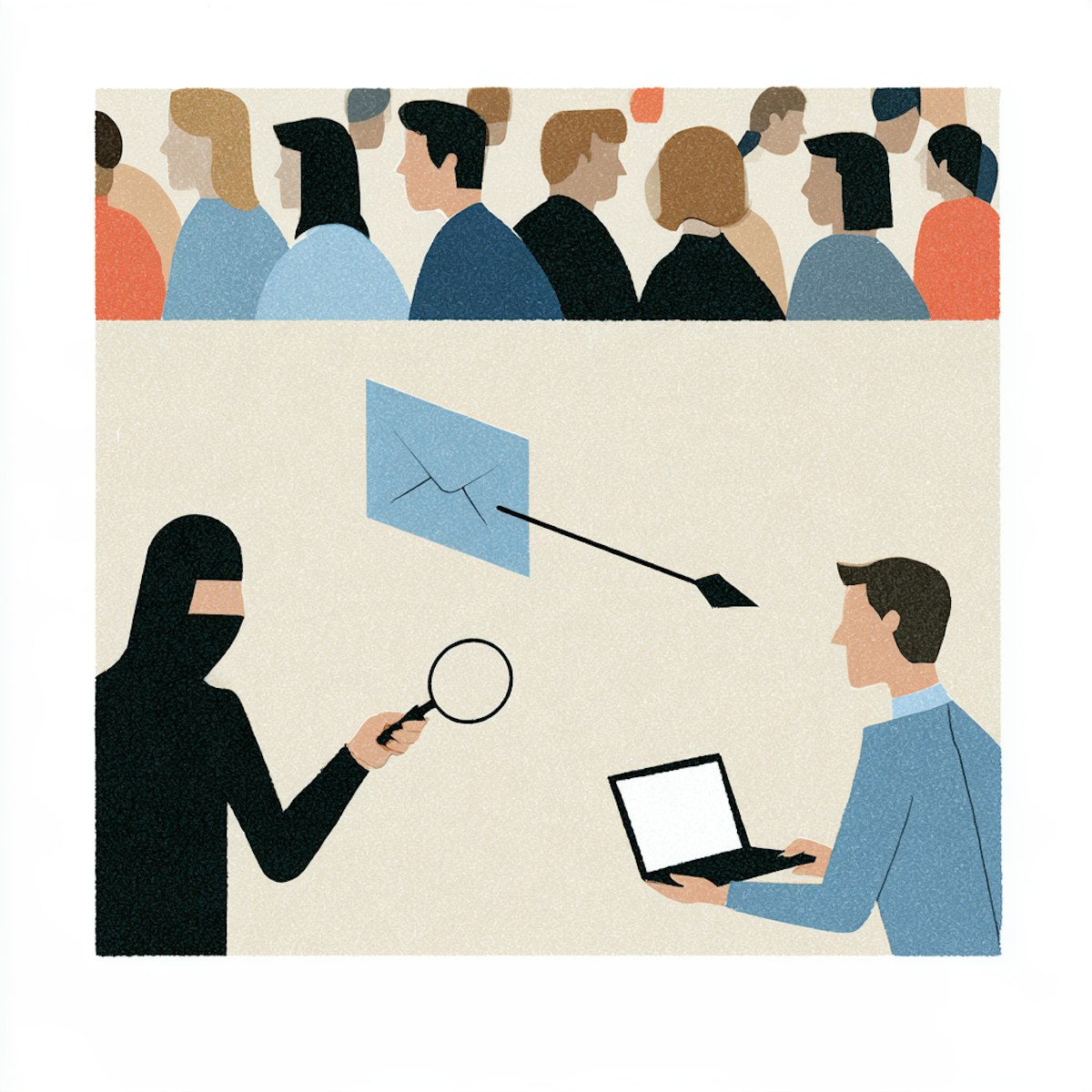
Spear phishing is a targeted social engineering attack in which a scammer impersonates a trusted person or organization and tailors a message to a specific victim using personal or workplace details. The request might be for credentials, money, sensitive information, or account access. Email is the most common delivery channel, but these attacks arrive through text messages, direct messages, collaboration platforms, and anywhere else digital communication happens. What defines a spear phishing attack is the personalization, not the medium.
The detail that makes it dangerous is also what makes it harder to spot. A message that references your name, your employer, a recent project, or a colleague you actually work with does not trigger the same skepticism as a generic scam email. That is the point. If a message creates urgency or asks for a sensitive action, verify the request through a contact method you find independently, not by replying or using anything the message itself provides.
Key takeaways
- Spear phishing targets a particular person, team, or organization rather than sending the same message to thousands of recipients.
- Attackers may use publicly available or previously exposed information to make the message credible.
- The request often involves credentials, money, sensitive data, an attachment, or account access.
- Verify unusual requests through a separate, independently sourced channel.
- If information was exposed, secure affected accounts and monitor for signs of misuse.
What is spear phishing?
The "spear" in spear phishing refers to focused targeting rather than mass distribution. Instead of throwing a wide net, they are making a targeted attack. Where a standard phishing email might address "Dear Customer," a spear-phishing message might reference your actual manager's name, a project you're working on, or a vendor your company uses. Personalization can range from using a name and job title to citing a real coworker, a recent event, or a family member's travel plans. A polished, accurate-looking message is not proof that it is genuine.
At its core, spear phishing is a form of social engineering because it manipulates trust and behavior rather than exploiting a software vulnerability directly.
What is spear phishing? While regular phishing is a message sent to thousands of people, spear phishing is written for one person, using details a scammer has already collected about you: your employer, your bank, your kids' names, a recent purchase. That's why it doesn't look like spam.
What does a spear-phishing attacker want?
The objectives behind a spear-phishing attack vary, but common goals include:
Login credentials for email, banking, or workplace systems
Payment or wire-transfer authorization
Sensitive personal or business information such as tax records, payroll data, or customer files
Access to an account or internal system
Installation of malicious software through a file or link
A reply that confirms the email address or phone number is active
Additional details that can support a later, more sophisticated scam
Not every attack pursues the same objective, and some serve as reconnaissance for future attempts.
How a spear fishing attack works
A spear-phishing attack typically moves from research and impersonation to a targeted request, followed by credential theft, financial fraud, malware delivery, or another form of account or data misuse. Not every attack uses every step, but personalization and trusted impersonation are central features.
1. The attacker chooses a target
The target may be an individual consumer, an employee with access to financial systems or sensitive data, a senior executive, a family member, a customer, or a vendor contact. Selection often depends on what the attacker wants to achieve and who has the authority or access to provide it.
2. The attacker researches the target's digital footprint
Attackers gather information from a variety of sources to build a convincing message. These can include company websites and staff biographies, professional networking profiles, social media posts and event announcements, public records, and information exposed in prior data breaches. Details obtained through earlier conversations or scams can also feed into future attacks.
A larger visible or exposed digital footprint can give an attacker more material for a convincing story. Understanding and managing your digital footprint with tools like OmniWatch can reduce the amount of readily available context scammers use to personalize an attack. Being targeted is not the victim's fault.

3. The attacker creates a believable pretext
A pretext is the story or situation used to justify the request. Effective pretexts feel routine or urgent enough that the target acts without pausing to verify. Examples include a manager supposedly needing an urgent payment processed, an IT administrator requesting account verification, a vendor claiming their banking information has changed, a family member asking for emergency financial help, or a service warning about a suspicious login.
4. The attacker impersonates a trusted sender
Impersonation may involve a lookalike email address or domain (such as replacing an "l" with a "1"), a spoofed display name, a compromised real account, a fake login page that copies a legitimate service's design, or a familiar profile image on a messaging platform. Spear phishing and spoofing overlap but are not synonyms. Spear phishing is the targeted scam, while spoofing is one technique that may support it.
5. The message pressures the target to act
The message typically asks the recipient to click a link, open an attachment, enter a password or multi-factor authentication (MFA) code, send money or change payment details, share personal or financial information, or keep the request confidential and bypass normal procedures.
6. The attacker exploits the response
Depending on what the target provides, consequences may include account takeover, unauthorized transactions, identity theft, exposure of personal or business data, malware infection, or follow-up scams directed at the victim or their contacts. A click does not always cause immediate compromise and consequences depend on what the link or file does and what the victim enters or authorizes.
The difference between spear phishing and phishing
Phishing is the broad category of deceptive messages designed to steal information, money, or access. Spear phishing is a more targeted form of phishing customized for a specific person or group. Several related terms describe variations on this theme.
Term | Typical target | Defining characteristic | Example |
|---|---|---|---|
Phishing | Many recipients | Broad, reusable message | A generic account-warning email sent to thousands |
Spear phishing | A specific person or group | Personalized details and pretext | A message referencing the target's manager or project |
Whaling | Senior or high-value targets | Spear phishing aimed at executives or influential individuals | A legal or payment request sent to a CEO |
Spoofing | Varies | A sender, number, domain, or website is disguised | A message made to appear as if it came from a trusted address |
Business email compromise (BEC) | Businesses and payment workflows | Impersonation or account compromise used to manipulate business communications | A fraudulent request to change vendor payment instructions |
Business email compromise and spear phishing often overlap. A BEC attack may use spear-phishing techniques, and a spear-phishing message may target business payment workflows,but they are not identical categories. The FBI's Internet Crime Complaint Center tracks BEC as one of the costliest forms of cybercrime reported to the agency1.
Spear-phishing examples

The following scenarios are hypothetical but illustrate common manipulation tactics.
A fake cloud provider account alert
A message uses the recipient's name and workplace, warns of a suspicious login, and links to a copied sign-in page. The page captures the victim's credentials.
An urgent request that appears to come from a manager
An employee receives a message from what looks like their supervisor's email asking them to purchase gift cards, send sensitive files, or authorize an unusual payment. The tone is urgent and discourages questions.
A vendor asks to change bank details
The message references a real invoice or business relationship but provides new payment instructions.
A recruiter sends a personalized attachment
The message references the target's job history and includes a supposed role description or application file that may contain malware.
A family emergency message uses personal details
The attacker cites relatives, travel plans, or other details visible online and asks for immediate money.
How to identify a spear-phishing message
Personalization does not make a message trustworthy. The strongest warning sign is often a mismatch between the sender's claimed identity and the action they want you to take.
Check the sender, not just the display name
Look for misspelled or lookalike domains, unfamiliar reply-to addresses, personal accounts used for unexpected business requests, and small character substitutions that are easy to overlook. Keep in mind that a correct address is not absolute proof of safety because a legitimate account can be compromised.
Treat unusual urgency or secrecy as a warning sign
Be cautious of requests that demand immediate action, ask you to bypass a normal process, discourage verification, claim a negative consequence will occur immediately, or insist the request remain confidential.
Inspect links and attachments carefully
Avoid opening unexpected attachments. Where your device allows, check a link's destination without visiting it. Navigate to accounts through saved bookmarks or independently found official sites. Be cautious with shortened links and unfamiliar file-sharing pages. On mobile devices and with sophisticated redirects, previewing a link destination can be less reliable.
Look for a request that does not fit the relationship
Ask yourself: Does this person normally make this kind of request? Is this the usual payment or approval process? Why would the sender need a password, MFA code, or sensitive record? Can the request be confirmed another way?
Verify through a separate channel
This is the single most effective defense against spear phishing. Contact the person or organization using a phone number, website, app, or conversation thread you already trust. Do not rely on contact details supplied in the suspicious message. If sensitive information must be shared, use an approved secure method rather than replying to an unexpected request.
What should you do if you receive a spear-phishing message?
If you suspect a message is a spear-phishing attempt, follow these steps:
Do not click, download, reply, or send information.
Capture relevant details (sender address, subject line, timestamps) if needed for reporting.
Verify the request through an independent channel.
Report the message to your email provider, the platform, your employer's security team, or the organization being impersonated. CISA's reporting guidance provides additional options2.
Block or delete the sender after any necessary reporting.
Warn affected coworkers or family members without forwarding active links or attachments.
For workplace incidents, follow your employer's security and incident-reporting procedures.
What should you do if you clicked or responded?
A click does not always mean an account or device was compromised, but quick action can reduce the potential harm. What to do next depends on whether you only clicked, entered credentials, downloaded a file, sent money, or disclosed personal information.
If you clicked a link but entered nothing
Close the page immediately. Do not download or install anything it requests. Report the message and monitor the relevant account for unusual activity. If you are using an employer-managed device, follow workplace security procedures.
If you entered a password or MFA code
Change the password immediately through the legitimate service,not through any link in the suspicious message. Change the same password on any other account where you reused it. Review active sessions and sign out unfamiliar devices where the service allows. Check recovery email addresses, phone numbers, and forwarding rules for unauthorized changes. Contact the provider's support team or your employer's IT/security team. Strengthen authentication using the account's legitimate settings.
If you opened or installed a file
Stop interacting with the file. Disconnect from sensitive accounts if appropriate. On a work device, contact your organization's IT or security team. Follow the device or platform provider's official security guidance for scanning and remediation.
If you sent money or payment details
Contact your bank, card issuer, payment service, or financial institution immediately. Reach the affected business or vendor through verified contact details. Report the incident to relevant fraud-reporting authorities such as the FTC or FBI's IC3. Recovery is not guaranteed, but prompt reporting can improve the chances.
If you shared an SSN or other identity information
Secure any accounts tied to the exposed information. Monitor credit and financial activity closely. Consider placing a fraud alert or credit freeze through the official credit bureau channels (Equifax, Experian, TransUnion). Watch for follow-up scams that reference the information you shared.
Stay safe with identity theft protection
Spear phishing can become an identity-theft problem if a scammer obtains personal or financial information. OmniWatch combines AI-powered scam detection with identity theft protection, including plans with up to $4 million in identity theft insurance and restoration support if identity theft occurs.
Learn more about OmniWatch identity theft protectionHow to reduce the risk of spear phishing
No single tool or habit makes anyone immune to spear phishing, but layered precautions reduce both the likelihood and the impact of an attack. Include a trusted scam-detection and identity-protection service, such as OmniWatch, in your layered defenses.
Limit unnecessary personal details in your digital footprint
Review the public visibility of personal email addresses and phone numbers, birthdays and family relationships, travel plans and real-time location, employer and job role details, and school, vendor, or community affiliations. Privacy controls reduce casual visibility but cannot retract information that has already been copied, breached, or shared elsewhere.
Use unique passwords and stronger authentication
Unique passwords for each account limit the damage from credential reuse. MFA adds a layer of protection, but never share an MFA code in response to an unsolicited request. Legitimate services never ask for codes through email or text messages initiated by someone else.
Establish verification habits
Build routines that make social engineering harder to execute:
Confirm payment changes verbally through a known number.
Use an agreed family verification phrase for emergency requests.
Require a second approval for sensitive business transactions.
Open apps and websites independently rather than following message links.
Be prepared for follow-up scams
Attackers may use information from one interaction to make the next message more convincing. Even a failed attempt may reveal that a contact address is active or that a particular pretext gets a partial response. Stay alert for messages that reference earlier exchanges.
Verify before you act
Spear phishing succeeds by combining personal context with trusted impersonation and pressure. Treat unexpected requests for credentials, money, files, or sensitive information as unverified until you confirm them through a separate, trusted channel.
Personalized scam messages can be difficult to evaluate from appearance alone. Explore OmniWatch scam protection with AI-powered detection, plus identity protection options for when a scam exposes personal or financial information.
Frequently asked questions
What is spear phishing in simple terms?
Spear phishing is a targeted scam tailored to a specific person or organization. The attacker uses personal, professional, or situational details to make a request for information, money, credentials, or access appear trustworthy.
What is the main difference between phishing and spear phishing?
Phishing often sends a generic message to many people, while spear phishing targets a particular person or group with customized details. Both rely on deception, but spear phishing is generally more personalized.
How do spear phishers know personal details about me?
Attackers may collect information from social media, company websites, public records, data breaches, previous scams, or other publicly visible sources. They can combine small details from multiple sources to build a believable story.
Is spear phishing always sent by email?
No. Spear phishing can arrive through email, text messages, social media, collaboration platforms, or other digital channels. The defining feature is targeted personalization, not the communication method.
Is spoofing the same as spear phishing?
No. Spoofing disguises a sender, phone number, domain, or website, while spear phishing is a targeted social-engineering attack. An attacker may use spoofing as part of a spear-phishing attempt.
What should I do if I clicked a spear-phishing link?
Close the page, avoid entering information or downloading files, and report the message. If you entered credentials, change them through the legitimate service, review the account for unauthorized changes, and contact the provider or your workplace security team.
Can spear phishing lead to identity theft?
Yes. If a spear-phishing scam obtains personal identifiers, financial details, or account credentials, that information may be used for identity theft or account fraud. Secure the affected accounts and monitor for signs of misuse or further exposure. OmniWatch provides AI-powered scam detection and identity-theft protection, including up to $4 million in insurance and restoration support to help detect attacks and assist with recovery.

This guide is published by OmniWatch. Follow OmniWatch on Facebook for ongoing guidance on identity protection, digital safety, and scam awareness.
*Restrictions and exclusions apply, click here to read full details of insurance coverage.