
 Call us at (877) 892-8249

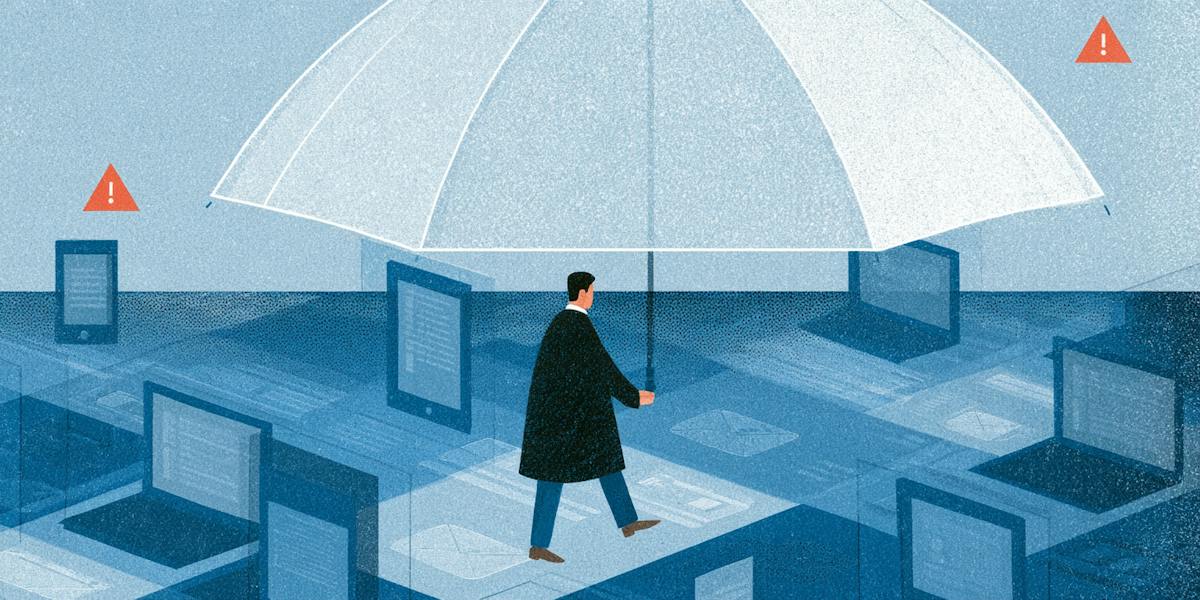
We’ve all gotten that text. Your debit card was just used for $412, it says, and you should call a number right away. Most of us delete it and move on. But deleting it doesn’t tell you what’s protecting you if one of those messages ever gets through.
If you’ve come across OmniWatch while searching for answers, you’re probably wondering, “What is OmniWatch, and is it worth my time?” Some of the tools you’ll hear about, like credit monitoring and dark web monitoring, sound more technical than they are.
Below, we’ll cover what OmniWatch protects, how it works, and what the plans include. We’ll also be upfront about what it can’t do and who it’s best for.
Key takeaways
- OmniWatch helps protect you from scams and identity theft.
- OmniWatch’s tools check for scams, monitor your credit and personal data, and help protect your devices.
- Plans differ by insurance limits, credit bureaus monitored, and who you can protect.
- If something goes wrong, restoration agents, the Make-It-Right Pledge, and insurance back you up.
- No service can promise to stop scams or identity theft, so it helps to know OmniWatch’s limits.
What is OmniWatch?

OmniWatch is a digital safety service that helps protect you from scams, identity theft, and financial fraud. It watches for signs that your personal information is exposed, lets you check suspicious messages, and connects you with experts if something goes wrong.
Every plan pairs identity theft insurance with scam and ransomware reimbursement for certain losses. Plans include up to $2 million, $4 million, or $8 million in identity theft insurance.
How exposed is your personal information?
Take our free risk quiz to see where your data may be exposed online.
Take the Risk Quiz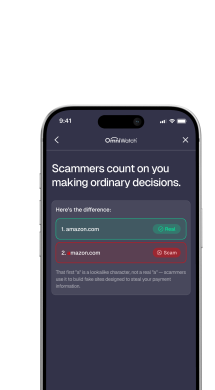
What does OmniWatch actually protect?
OmniWatch protects your identity, credit, and devices with five main tools:
Scam detection
OmniWatch’s scam detection checks messages for signs of phishing (fake messages meant to trick you into sharing information or sending money) before you respond.
You can scan texts, links, QR codes, social media messages, and even mailed letters. If a text says your package is on hold, for example, you can scan the link before you tap it.
AutoScan goes a step further by automatically flagging risky emails in Gmail, Outlook, and Hotmail.
Dark web and breach monitoring
Dark web monitoring searches the hidden corners of the internet where criminals trade stolen data, as well as breach databases (lists of information leaked in company hacks).
It looks for your personal details, including your:
Social Security number
Phone numbers
Driver’s license
Passport
Bank account numbers
If it finds a match, you get an alert showing what was exposed and what to do next.
Credit monitoring
Credit monitoring watches your credit reports for new accounts, inquiries (requests from lenders to check your credit), and other changes. The Standard plan monitors your TransUnion report, while the Elite and Family plans monitor all three major credit bureaus (Equifax, Experian, and TransUnion) and send instant alerts.
On every plan, you can freeze your credit with one click from your dashboard, which stops anyone from opening new accounts in your name.
Digital footprint monitoring
Your digital footprint is the trail of personal information about you that shows up online. OmniWatch monitors it and notifies you when your information appears in new places, so you can take action to protect your privacy.
Stay safe with identity theft protection
OmniWatch provides dark web and Social Security number monitoring, identity theft protection with up to $4 million in identity theft insurance,* and restoration support to help resolve identity theft.
Identity Theft ProtectionVPN and antivirus
Public Wi-Fi is convenient, but it isn’t exactly private. A VPN, short for virtual private network, scrambles your connection. It also hides your IP address, which is the number that identifies your device online. Every OmniWatch plan includes a VPN and antivirus, which aims to block harmful software.
What OmniWatch doesn’t do
No tool catches everything, so it helps to know OmniWatch’s limits:
OmniWatch can’t erase data that has already leaked, but it can alert you so you can change passwords and freeze accounts.
Monitoring can’t stop a data breach at a company that holds your information.
AutoScan supports Gmail, Outlook, and Hotmail, so check that your email provider is on the list.
Identity theft insurance generally applies only to incidents that happen after your plan is active.
How does OmniWatch work?
OmniWatch works in five steps:
1. Enrollment
Choose a Standard, Elite, or Family plan on the OmniWatch official website.
2. Verification
OmniWatch asks for your date of birth and Social Security number to verify your identity with the credit bureaus. Verifying with TransUnion won’t affect your credit score.
3. Monitoring
Protection starts shortly after you enroll, once you’ve verified your identity and monitoring is active. After that, OmniWatch monitors your credit reports and scans the dark web and breach databases for your information. Some features need one extra setup step. For example, you may need to activate your identity theft insurance after you enroll.
4. Alerts
If something changes on your credit report or your information turns up in a breach, OmniWatch sends an alert to your email and phone. Breach alerts show what was exposed and which breach it came from, with steps for what to do next.
5. Response
What’s included in each plan
OmniWatch offers three plans, and each one includes the same core tools.
The main differences are the insurance limits, how many credit bureaus OmniWatch monitors, and who you can protect:
Feature | Standard | Elite | Family |
Identity theft insurance | Up to $2 million | Up to $4 million | Up to $8 million |
Scam and ransomware reimbursement (combined) | Up to $50,000 | Up to $100,000 | Up to $200,000 |
Credit monitoring | TransUnion | All three bureaus, with instant alerts | All three bureaus, with instant alerts |
One-click credit freeze | Included | Included | Included |
Dark web monitoring | Included | Included | Included |
Scam protection tools | Included | Included | Included |
VPN and antivirus | Included | Included | Included |
The Family plan extends protection to your household, and you can add a second adult, such as a spouse or an aging parent. Insurance and reimbursement apply to certain losses, limits vary by plan and state, and restrictions and exclusions apply.
For current pricing, see OmniWatch’s plans and pricing.
What happens if something goes wrong?
If something goes wrong, OmniWatch’s identity restoration agents help you sort it out, and the Make-It-Right Pledge and insurance back you up.
No service can promise that scams or identity theft won’t happen. OmniWatch’s tools can lower your risk and limit the damage, and its identity restoration agents are available 24/7 if something gets through. An agent works with you one-on-one to gather documents, sort out the paperwork, and stay in touch with credit bureaus and creditors until the case is resolved.
OmniWatch also stands behind that help with its Make-It-Right Pledge. If OmniWatch’s team can’t resolve a covered identity theft or scam case, it refunds all subscription fees you’ve paid during your current membership term.
Insurance is the final layer, and what you get depends on your plan:
Identity theft insurance of up to $2 million, $4 million, or $8 million, which covers eligible costs like stolen funds, legal fees, and lost wages
Reimbursement for certain scam losses, even when a scammer tricked you into sending money
Again, restrictions and exclusions apply.
How is OmniWatch different from other services?
OmniWatch covers both identity theft and scams, and you can see that in how its Elite plan compares with a competing plan. Elite has higher limits for identity theft insurance and for scam and ransomware reimbursement, plus a $0 deductible, expert scam agents, and phishing and malware alerts.
See the full side-by-side on the comparison page.
Is OmniWatch legit?
Yes. OmniWatch is an identity and scam protection service from OmniWatch LLC, and you can check the details yourself. OmniWatch posts its insurance disclosure, privacy policy, and terms of use on its site, and you can read customer reviews on Trustpilot before you sign up.
OmniWatch gives you a way out if it isn’t right for you. Its refund windows and cancellation steps are in the FAQs below. Read the coverage details first, since no plan fits everyone.
Who is OmniWatch for?
OmniWatch is for individuals, families, seniors, and students who want help spotting identity theft and scams:
Individuals get credit monitoring, dark web monitoring, scam checks, and identity theft insurance with the Standard or Elite plan.
Families can protect everyone in the household, including children and aging parents, with the Family plan.
Seniors can check texts and emails for scams, get alerts if details like a Medicare number turn up on the dark web, and reach restoration support 24/7 with senior identity protection.
Students can monitor their credit as they open their first cards and loans with student identity protection.
Not sure what you’re actually protected against? See which OmniWatch plan fits your situation, and get started when you’re ready.
Frequently asked questions
Do I have to give OmniWatch my Social Security number?
Yes, you need to give OmniWatch your Social Security number to activate monitoring and insurance. OmniWatch uses it, along with your date of birth, to confirm your identity with the credit bureaus.
Can I cancel anytime, or is there a contract?
Yes, you can cancel OmniWatch anytime, and there’s no contract or cancellation fee. Cancel in your account dashboard or through support. You’ll get a full refund if you cancel within 30 days on an annual plan or 14 days on a monthly plan.
Does OmniWatch stop scam calls and texts, or just alert me to them?
OmniWatch gives you ways to check for scams rather than promising to stop them. You can check suspicious texts, links, and phone numbers before you respond, and AutoScan flags risky emails in Gmail, Outlook, and Hotmail.
What’s the difference between OmniWatch and just checking my own credit report?
Checking your own credit report shows what’s on file at that moment, while OmniWatch’s monitoring alerts you when something changes. OmniWatch monitors your TransUnion report, and the Elite and Family plans monitor all three credit bureaus (Equifax, Experian, and TransUnion).
Will OmniWatch still work if I already have a credit freeze?
Yes, you can use a credit freeze and OmniWatch together because they do different jobs. A freeze stops anyone from opening new accounts in your name, and OmniWatch’s monitoring alerts you when something changes on your report. If you haven’t frozen your credit yet, you can do it from your OmniWatch dashboard.
How does OmniWatch keep my information secure once I sign up?
OmniWatch scrambles your personal information in storage and transit, and it sends your Social Security number to TransUnion for verification instead of storing it. It also meets the Payment Card Industry Data Security Standard for card payments and has completed an independent security audit by TransUnion.
Does OmniWatch cover identity theft that happened before I signed up?
Generally, no. OmniWatch’s identity theft insurance usually applies only to incidents that happen after your plan is active. However, its specialists can still guide you if you’re already dealing with identity theft, fraud, or a scam. For the full details, check the insurance disclosure.

This guide is published by OmniWatch. Follow OmniWatch on Facebook for ongoing guidance on identity protection, digital safety, and scam awareness.
*Restrictions and exclusions apply, click here to read full details of insurance coverage.
Sources
OmniWatch, Scam Protection
OmniWatch, Dark Web Monitoring
OmniWatch, Identity Theft Protection
OmniWatch, VPN and Antivirus Protection
OmniWatch, Credit Monitoring
OmniWatch, Frequently Asked Questions
OmniWatch, How Do I Cancel My OmniWatch Account?
OmniWatch, OmniWatch Identity and Scam Protection